How do I manage my notification methods?
This document explains how you can adjust your methods for receiving notifications.
Additional Information
| Before you start: Payble is required to send some notifications (such as a failed payment attempt or a plan cancellation) to your authentication method — the mobile or email address you use to sign in to Payble. These mandatory notifications cannot be disabled. |
How-to
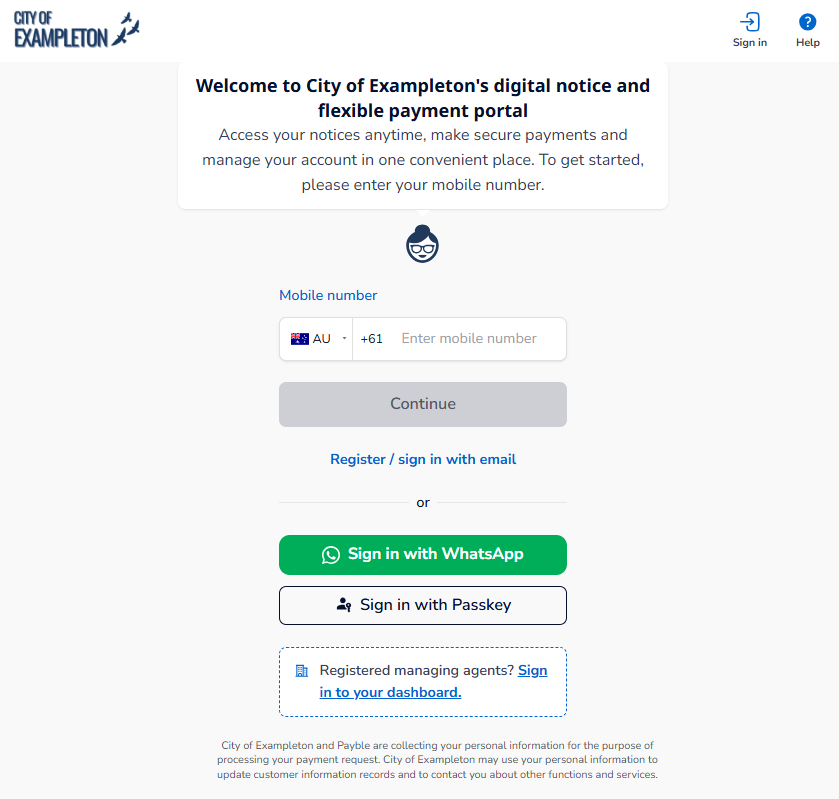
To change your profile, notification methods, or view your plan in Payble, sign in using the same authentication method you used when setting up your plan (mobile or email). You will not be able to view your plan if you haven’t authenticated with the same method.
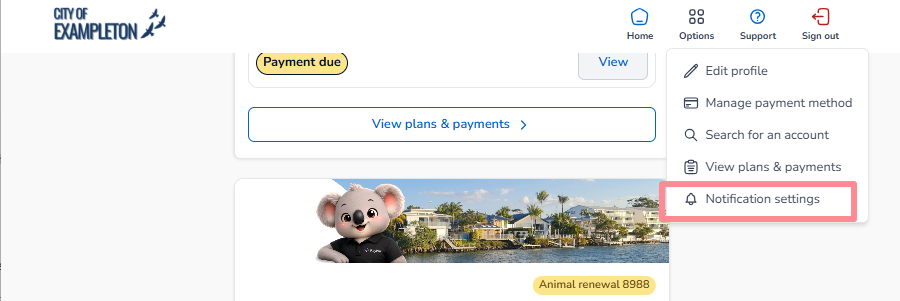
After you sign in to Payble, if you are using a desktop browser, click the Options button on the top banner, then Notification settings.
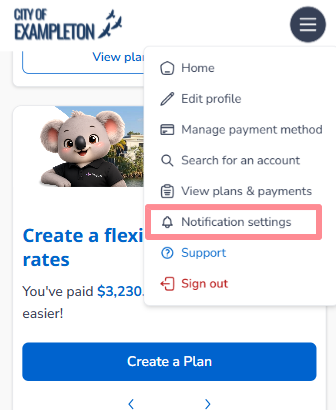
If using a mobile browser, click the Menu button, then Notification settings.
You can now toggle your notification preferences, provided you have both an email and a phone number added to your account — see How do I change my contact information?
WhatsApp and Push notifications will only be available if enabled by your Council.
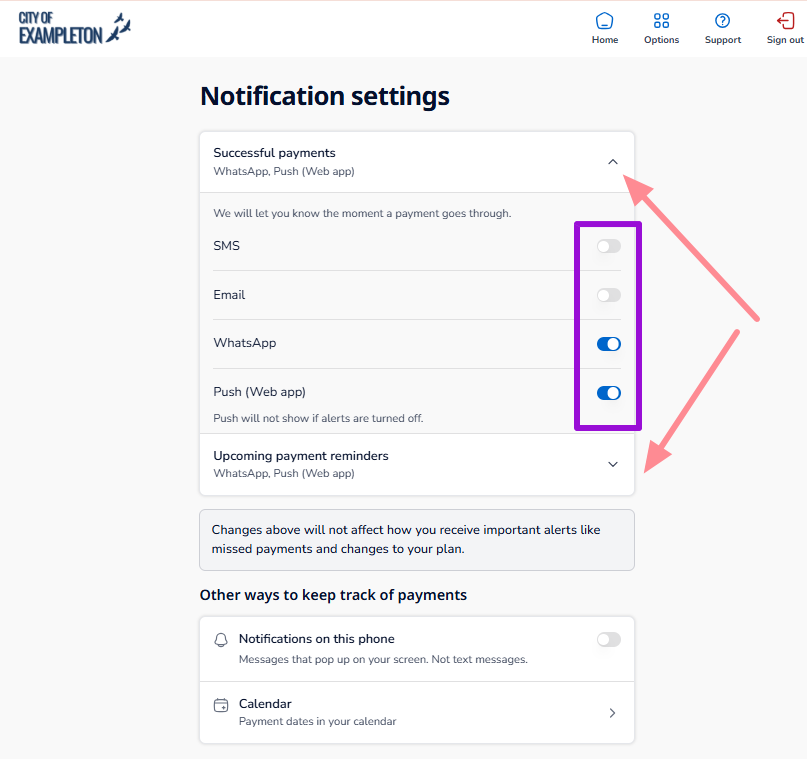
Changes are saved whilst actioned.