How Do I Get Notified When My Infringement Is Available?
Additional Information
| Before you start: Not all Councils offer Payble as a payment option for infringements. Check with your Council or its website first. Infringements are usually available for payment within 24 hours of being issued, to allow for daily system updates. This can take longer around weekends, public holidays or busy periods. |
If your infringement isn't ready to pay yet, you don't need to keep checking. Register your details and we'll let you know as soon as it's available.
Open Payble by scanning the QR code on your notice, or by following the link on your Council's website. Sign in and enter the one-time password you receive.
Select the type of payment you want to make. The infringement type is listed on your notice.
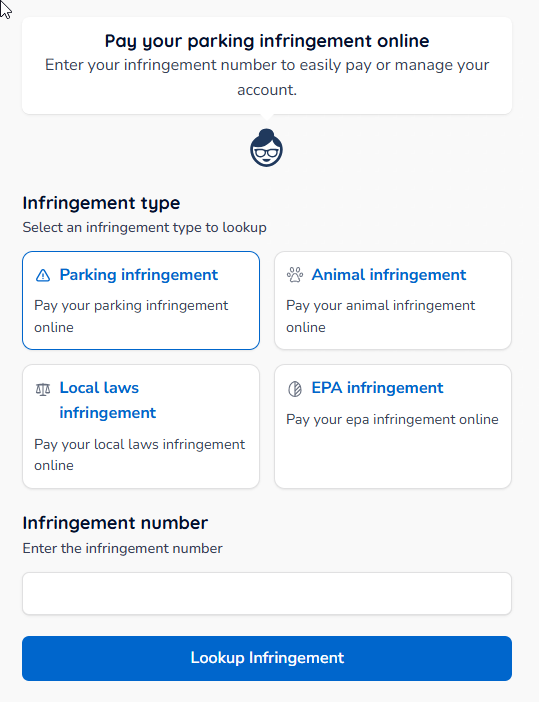
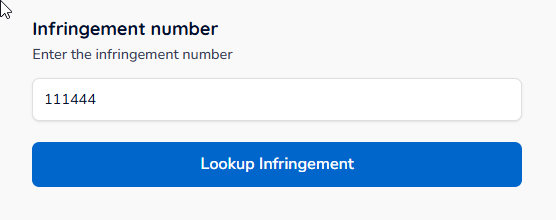
Enter your infringement number, then press Lookup infringement.
If the infringement is available, you'll see a summary screen where you can make a payment. If it isn't available yet, you'll see a screen like the one below.
| Note: The screen you see may differ from this example, depending on State and Council legislative requirements. |
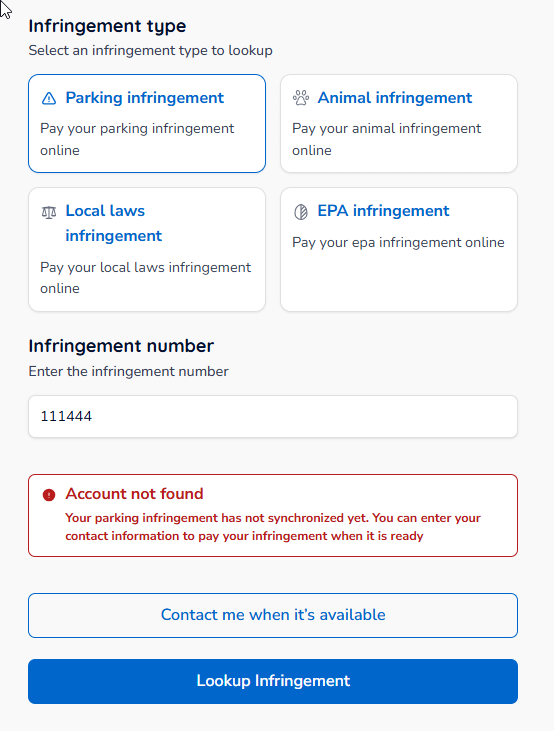
You can check back later, or click Contact me when it's available to register for a notification.
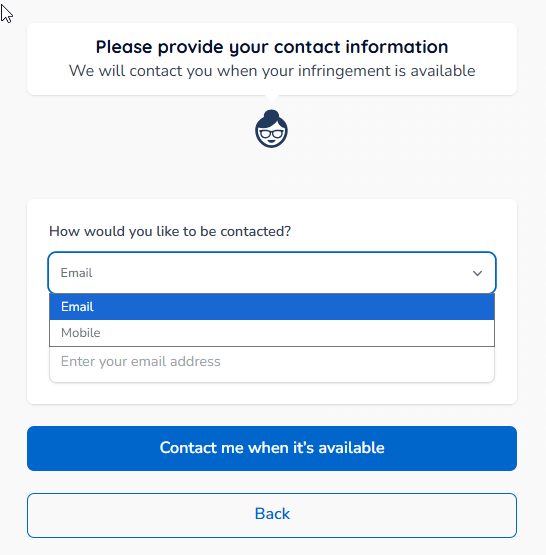
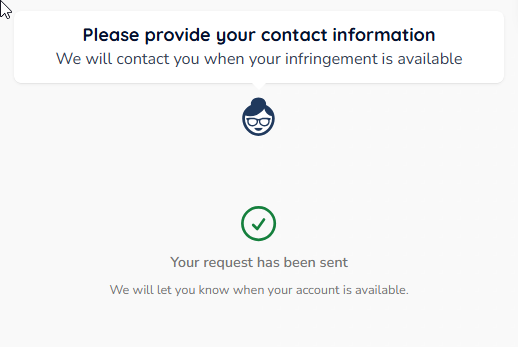
Choose your preferred contact method and enter your details, then click Contact me when it's available to register.