Pay an Infringement Flexibly
Additional Information
| Before you start: Flexible payment plans are only available if your council offers them. Unlike paying in full, you'll need to sign in to Payble with your mobile number or email address to set up a plan. Payments must start within 30 days, and your instalments are calculated automatically so the balance is paid off by the due date. Have your infringement notice and a credit card ready. |
Got an infringement notice and need a bit more breathing room? Spread the balance across manageable instalments with a flexible payment plan, set up online in a few minutes.
Scan the QR code on your infringement notice, or go to your council's website.
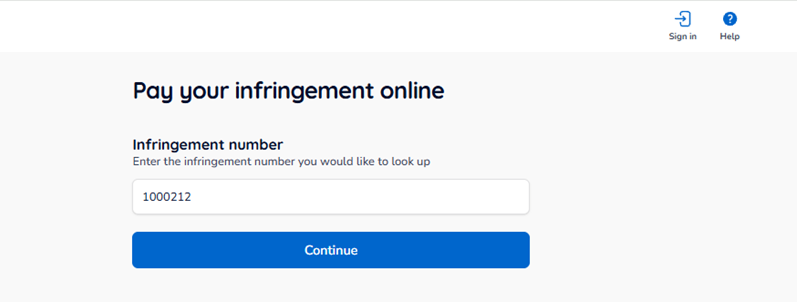
Type in the infringement number from your notice, then select Continue.
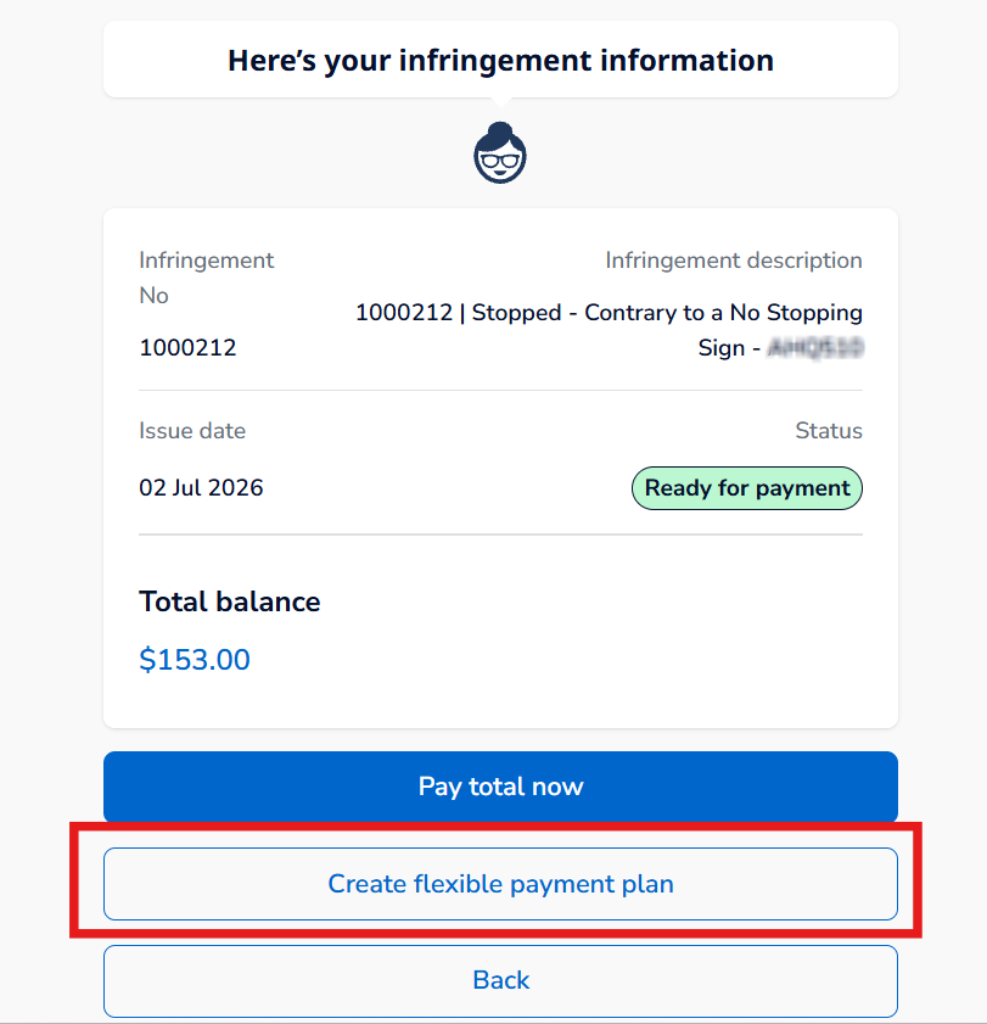
Check the infringement details, due date and any other important information. If your council offers flexible payment plans, you'll see the option to set one up here.
Sign in with your mobile number (by SMS) or your email address (if available). There's no password. Payble sends you a 6-digit verification code to confirm it's you.
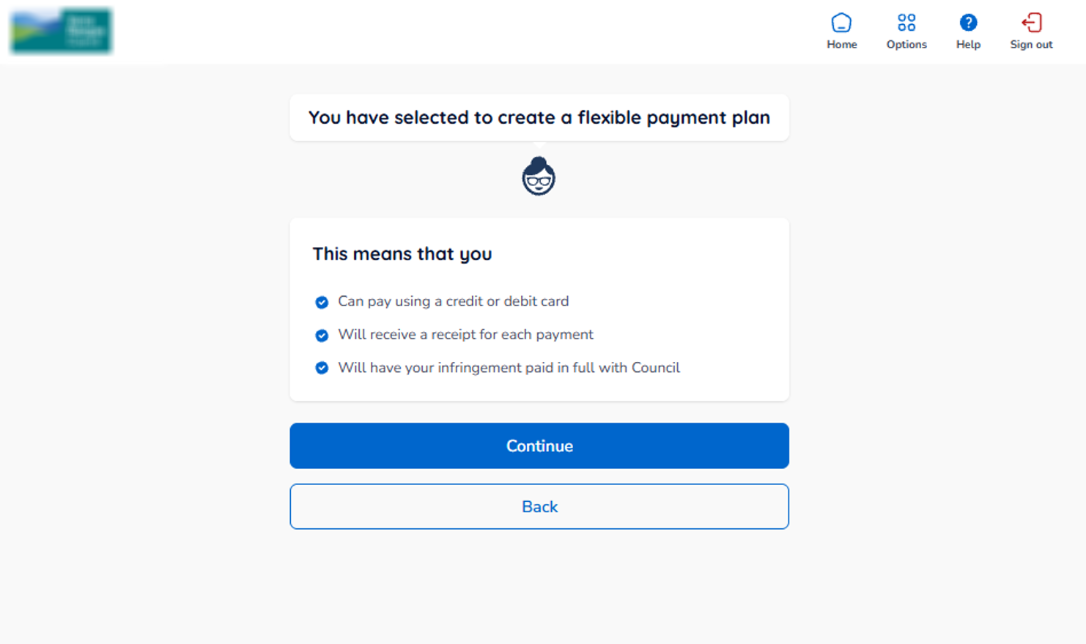
Read through the information about payment plans, then click Continue.
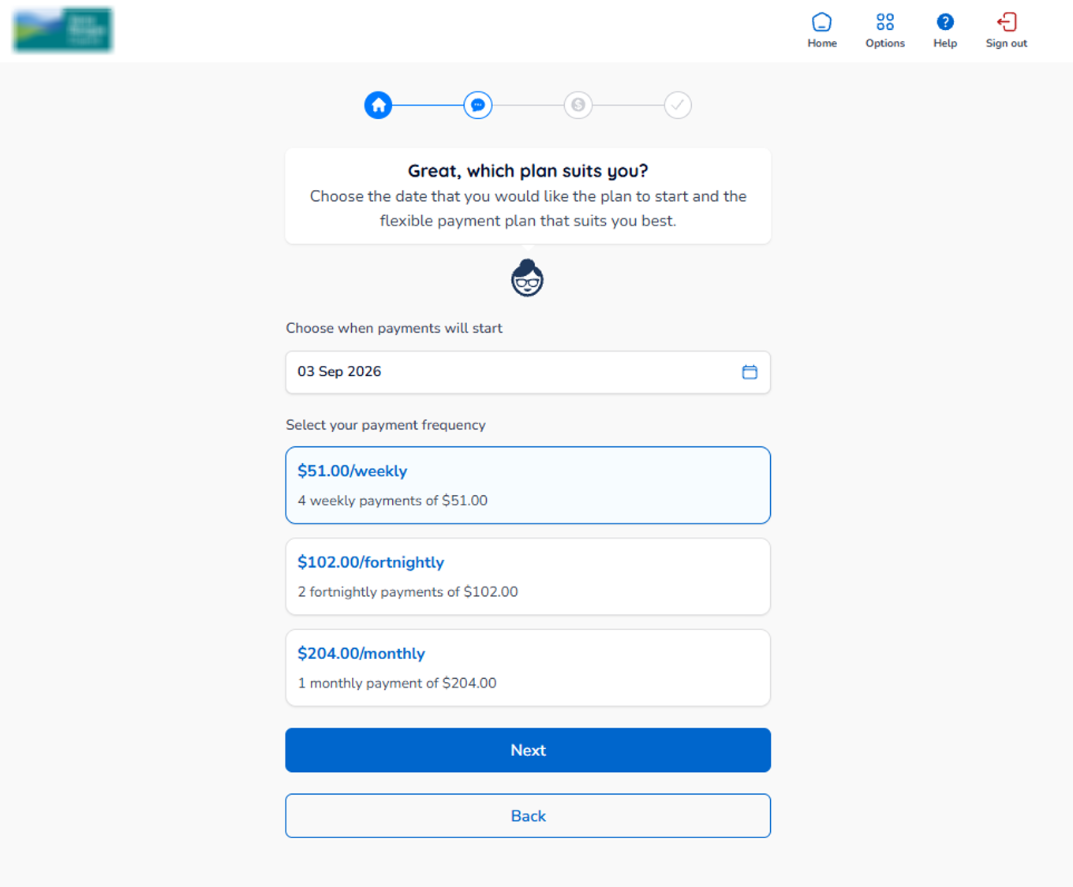
- Start date — choose when payments will start (within 30 days).
- Frequency — choose how often you'll pay. Your instalment amounts are calculated automatically from the balance and the number of periods left until the due date.
Click Next to continue.
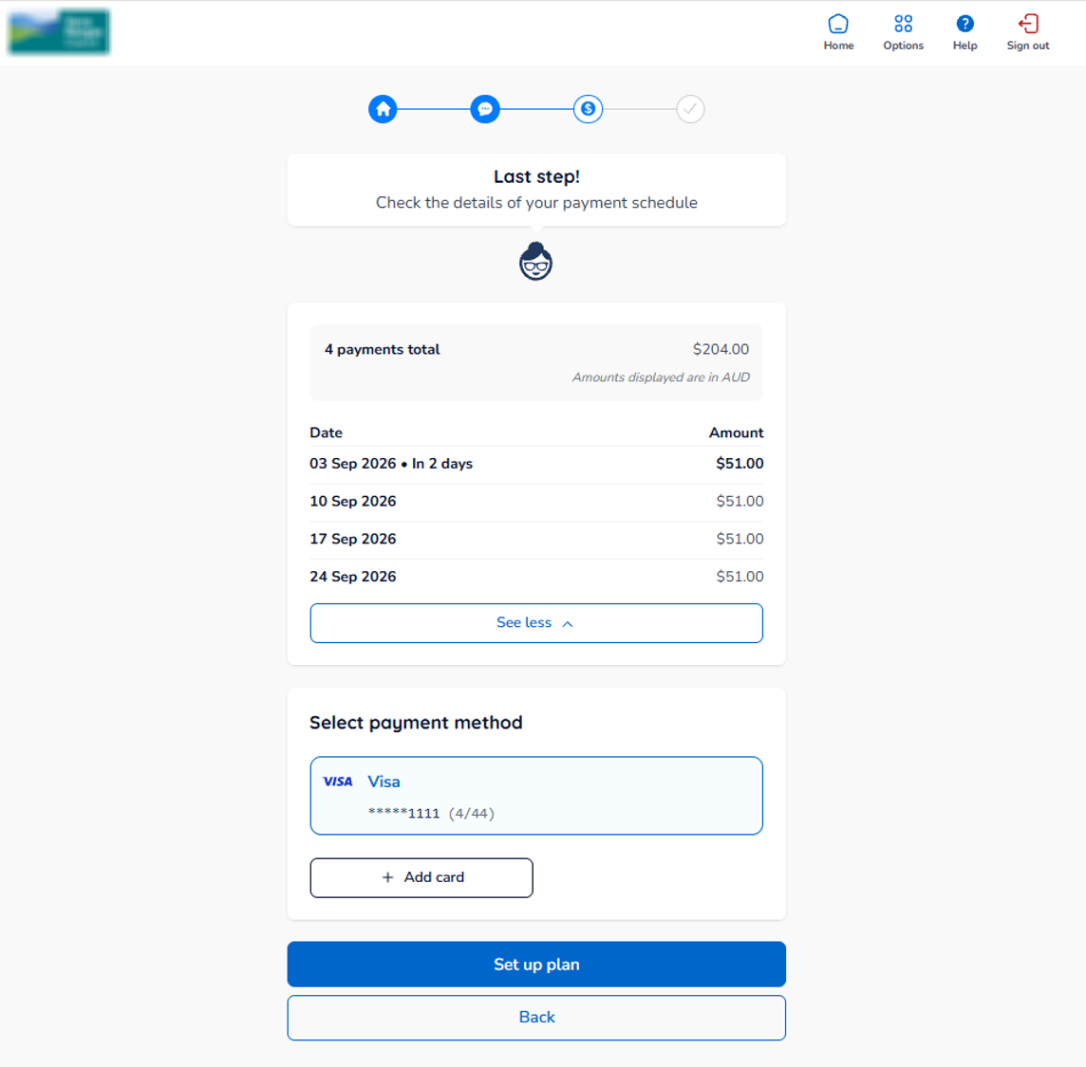
Check your payment dates and amounts. Then add new credit card details, or select a card you've used before (if applicable).
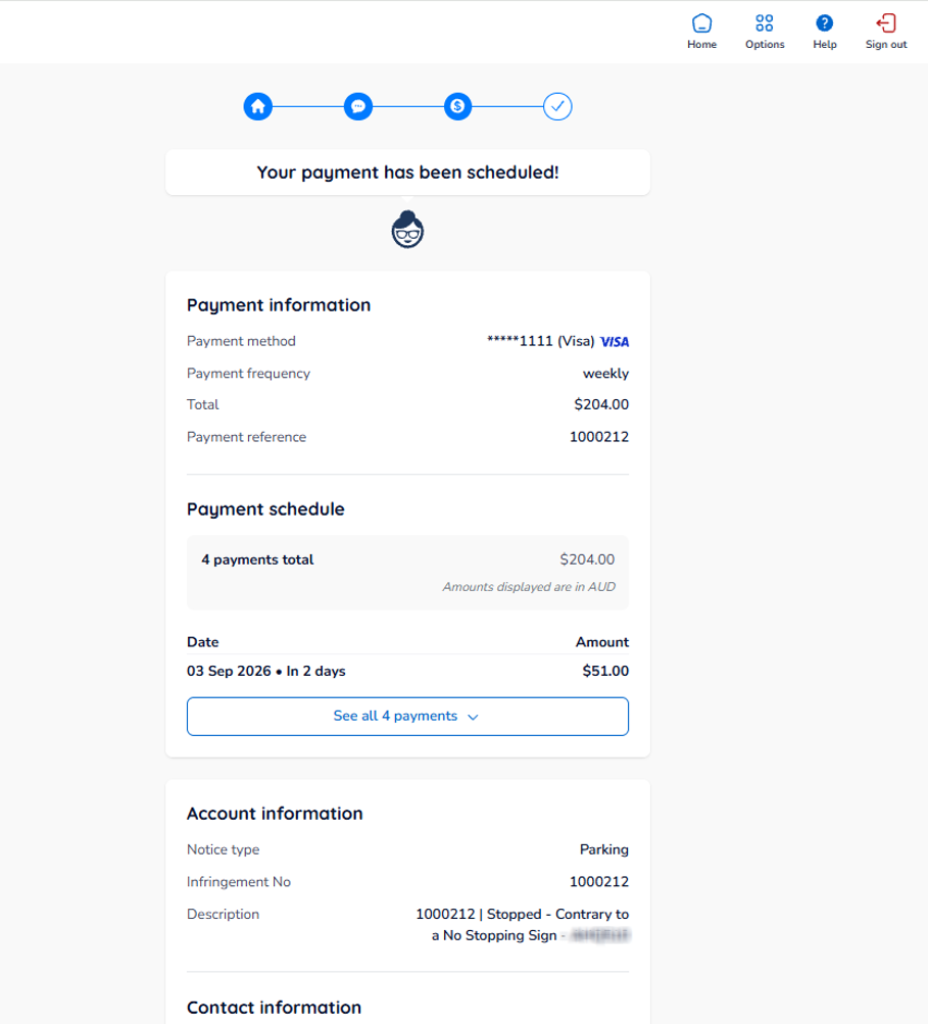
Your payment plan is now scheduled. Review the details on screen, then go to your dashboard to manage your plan.