Pay an Infringement in Full
Additional Information
| Before you start: You don't need to sign in to pay an infringement. Just have your infringement notice and a credit card ready. Depending on your council, you may also be able to set up a flexible payment plan instead of paying the full amount. |
Settle your infringement in a few minutes from your phone or computer, with no login needed. Here's how to pay it in full.
Step 1: Find your infringement
Scan the QR code on your infringement notice, or go to your council's website.
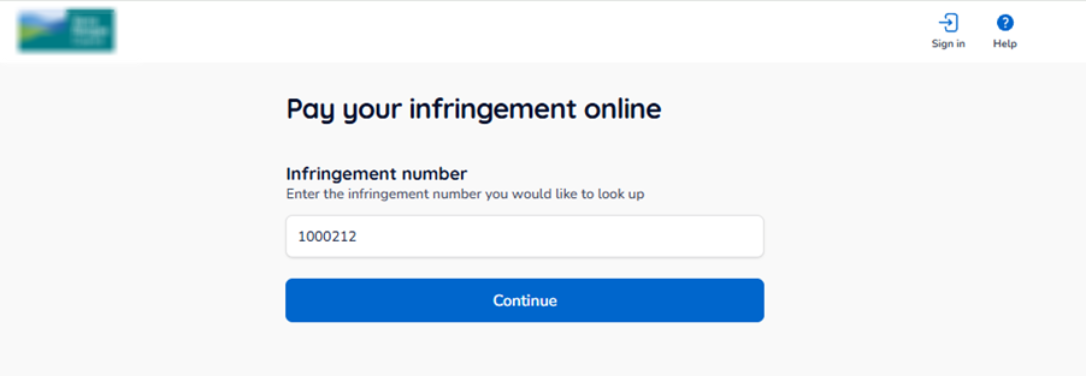
Step 2: Enter your infringement number
Type in the infringement number from your notice, then select Continue.
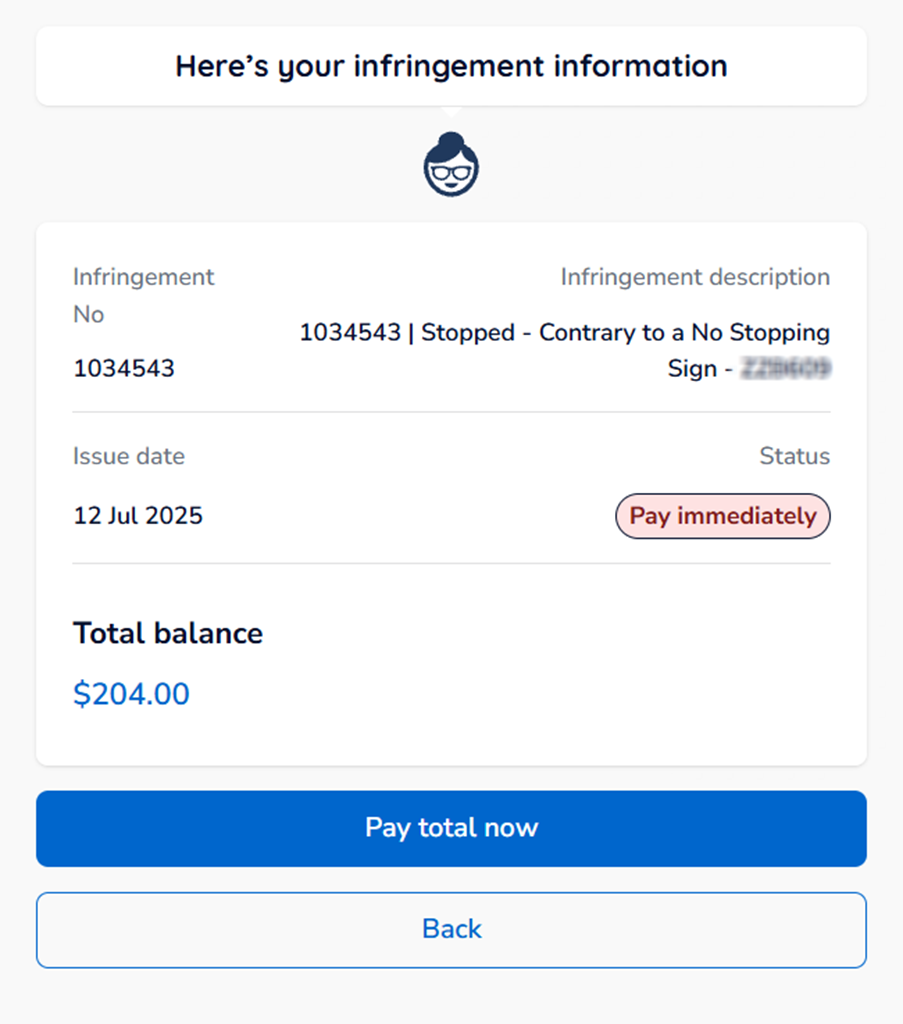
Step 3: Review your infringement details
Check the infringement details, due date and any other important information.
| Tip: Depending on your council and the plans it offers, you may see an option to set up a flexible payment plan instead of paying the full amount now. |
Step 4: Pay the total amount
Select Pay total now to go to the payment screen.
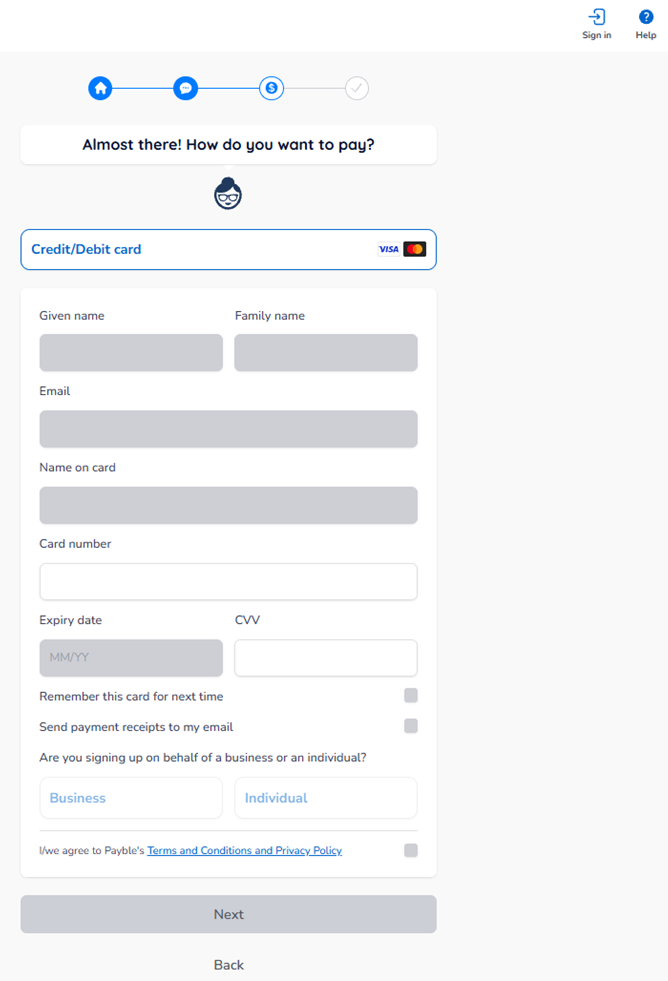
Step 5: Enter your payment details
Enter your credit card details and any other required information, then select Next to continue.