How do I request a refund if I have overpaid?
Additional Information
| Before you start: Payble processes payments but doesn't hold or manage Council funds, so refunds can't be issued by Payble directly. You'll need to contact your Council to request one. |
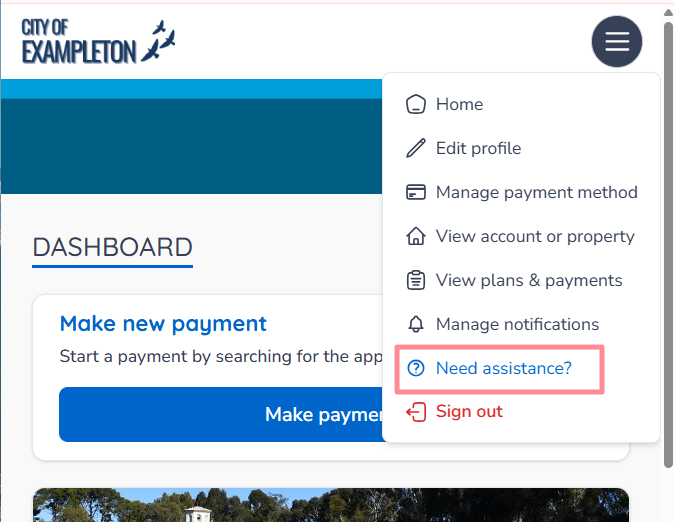
If you've overpaid and are owed a refund, your Council handles this directly rather than Payble. You can reach your Council through the Need Assistance or Help button in the Payble application, whether you're on a desktop, mobile or tablet browser.
Request a refund from a desktop browser
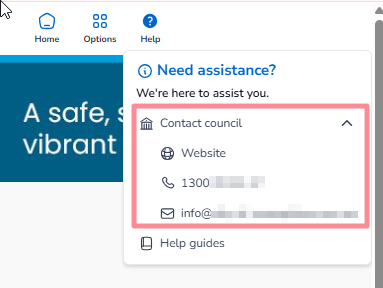
Click the Help button in the top right corner of the window to contact your Council.
Request a refund from a mobile or tablet browser
Open the menu button to find the Need Assistance? button, as shown below.